The AI faceless reels generator
that plans your channel
FacelessReels.tv is an AI faceless reels generator: pick a niche, approve the plan and its price, then download a reel for Shorts, TikTok and Instagram.
Faceless reels examples by niche
8 niches · tap a sample to play8 niches, 30 to 90 seconds each: 9:16 for Shorts, TikTok and Reels, or 16:9 for YouTube. Every sample below comes from the engine that makes your videos.
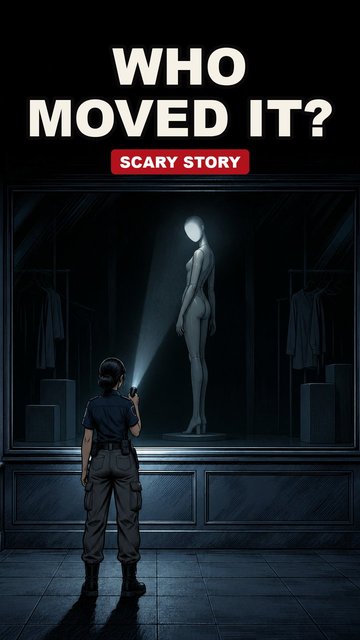
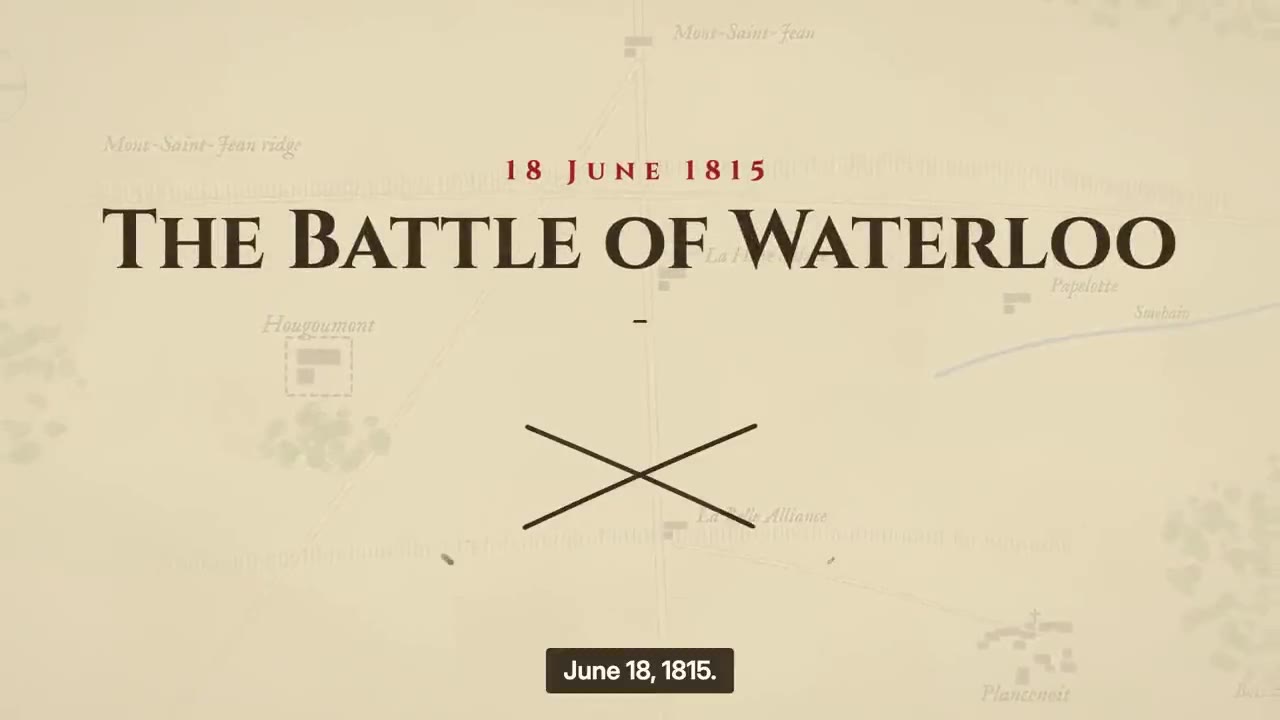
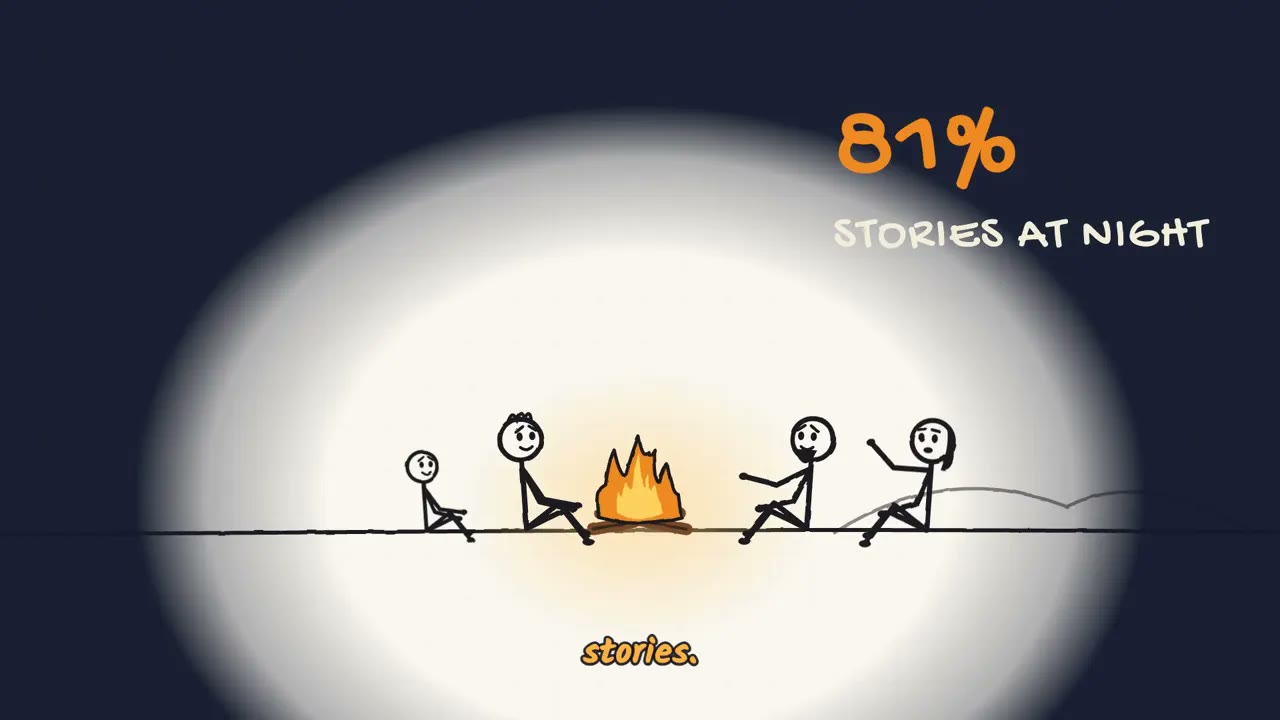
Stick figure sitcom, Cartoon what-ifs, Battle maps, Mystery cartoons, and Stick figure explainers are drawn frame by frame in code, so the same characters and on-screen text stay consistent from start to finish. Painted history, Scary stories, and Anime stories are made from AI images or video clips.
What’s working on YouTube right now
Every week, Faceless Radar ranks faceless YouTube channels created in the last three months by the views of their most-watched videos, using YouTube’s own numbers. These three led their styles in the ranking of November 12, 2026 (UTC).
 ConChaser
- 7.1M views
- created 28 d ago
- 23.7K subs
#1Stick figure
 Ziro History
- 3.2M views
- created 40 d ago
- 26.1K subs
#2Map animation
 NEWCA Daily English
- 5.4M views
- created 36 d ago
- 8.7K subs
#33D animation
These are third-party channels tracked by Faceless Radar, not videos we made. See every breakout channel on Faceless Radar
Compare every niche, what it costs and who it suits in our faceless niches directory.
What is a faceless video?
A faceless video is a video in which the creator never appears on camera. A narrator, captions and pictures carry it instead, so the channel is known for its topic rather than for a person.
- Faceless reels are the short, vertical version: 30 to 90 seconds, made for YouTube Shorts, TikTok and Instagram Reels. Typical niches are history, scary stories, curious questions and animated sketches.
- Making one by hand means writing a script, recording a voice, finding visuals and editing them together. FacelessReels.tv does those steps from a one-line plan you approve, with no app to install.
For formats and real channels, read our guide to faceless content
How to make a faceless reel with AI
three steps, no filmingYou pick one of our niches, approve the one-line plan and the credit price it shows, then download a finished faceless reel of 30 to 90 seconds. Planning is free, and no credits are spent before you confirm.
- Step 1
Pick
Choose a breakout from Radar or one of our niches, or describe the video in one line.
- Every niche shows real sample films first
- Or start from a Radar breakout and make one like it
- Step 2
Approve the plan
The Agent writes a one-line plan with its cost in credits. Planning is free; nothing is charged until you approve.
- The cost in credits is shown before you approve
- Planning is free; nothing is charged until you approve
- Step 3
Download
We make the video and you download it. No subscription needed.
- A vertical video with narration and burned-in captions
- Title, description and tags ready to copy




What every faceless video includes
what one video comes withEvery faceless reel you download is a finished video file with six parts already done: the script, the visuals, a narrator voice, captions, a cover in the first frame, and a title, description and tags.
Script
Written for the niche, with a hook in the first seconds and a story paced for a short. You approve the plan before anything is made.
Visuals
AI images or stick-figure animation in the niche's own look, kept the same from one episode to the next.
Narrator voice
A narrator instead of a presenter, in any of 9 languages. Nobody records or appears on camera.
Captions
Burned-in captions timed to the narration and sized for a phone, so the video works with the sound off.
Cover in the first frame
The cover is baked into the first frame, so the feed and your profile grid show a whole, legible picture.
Title, description and tags
Written for the video and ready to copy into the upload form.
Faceless reels for YouTube Shorts, TikTok and Instagram
one vertical cut, four platformsOne 9:16 faceless reel fits YouTube Shorts, TikTok, Instagram Reels and Facebook Reels, and long-form niches also come in 16:9 for YouTube. You download the video and post it yourself; automatic publishing to YouTube is coming soon.
- 9:16
YouTube Shorts
Vertical Shorts with captions and a look you keep from one episode to the next.
- 9:16
TikTok
Quick pacing and burned-in captions, cut for the vertical feed.
- 9:16
Instagram Reels
A consistent look, a cover in the first frame and captions, ready to post as a Reel.
- 9:16
Facebook Reels
The same vertical cut, ready to publish on your Page.
Who uses a faceless video maker
three ways to startA faceless video maker suits creators who want a channel of faceless reels without filming. Planning is free and the cheapest video is about 150 credits, so you can test a niche before committing to it.
Starting a faceless channel
No camera, no voice recording and no editing. Find a niche that is breaking out on Radar, then make your first faceless video in it.
Running a series
Keep one niche, look and voice as your channel, and start each new episode from it instead of from zero.
Telling a story you already have
Describe the video in one line. The Agent turns it into a plan with the price, and nothing is made until you approve it.
Describe your video →
Faceless reels made by hand vs with FacelessReels.tv
Making faceless reels by hand means writing a script, finding visuals, recording narration and editing, which takes hours for every video. Hiring an editor saves the hours but adds a fee, briefs and revisions.
| Hiring an editor | Making it yourself | FacelessReels.tvOur way | |
|---|---|---|---|
| Cost | You pay per video. | Your own time. | Credits per video, shown before you approve; planning is free. |
| Time | Briefs, revisions and delivery dates to manage. | Hours of scripting, recording and editing for every video. | A finished video from a one-line plan you approve. |
| Your part | Scripts, voiceover and footage are still yours to find. | Script, voice, visuals and the edit. | Approve the plan, download the video and post it. |
| Changes | Revisions go back through the editor. | You re-edit it yourself. | Ask for changes to the scenes you name before you download. |
| Week after week | Each video is a new brief. | Easy to start, hard to keep up week after week. | Code-animated niches keep the same characters and on-screen text in every frame. |
More in our guide on code animation.
Faceless reels pricing: credits and plans
Planning is free and no credits are spent until you approve the plan. Each video costs a fixed number of credits by niche, from about 150 credits for the simplest faceless reels.
- Painted historyAbout 150 credits
- Scary storiesAbout 150 credits
- Stick figure sitcomAbout 2,100–2,600 credits
- Cartoon what-ifsAbout 1,200 credits
- Battle mapsAbout 3,300 credits
- Mystery cartoonsAbout 1,000–1,200 credits
- Anime storiesAbout 1,700 credits
- Stick figure explainersAbout 2,800 credits


AI faceless video generator FAQ
What is an AI faceless video generator?
An AI faceless video generator turns a short brief into a finished video with no presenter on camera: visuals, a narrator voice and captions. On FacelessReels.tv you pick a niche, approve a one-line plan with its credit cost, and download the video.
How is FacelessReels.tv different from other faceless reels tools?
Three things you can check on this site: Faceless Radar, a weekly, dated list of breakout faceless channels you can turn into a plan with one click; code-animated niches whose characters and on-screen text stay consistent; and credits per video, with no subscription required. Unlike some tools, we do not post for you yet: you download each video and post it yourself, and automatic publishing to YouTube is coming soon. We have not compared other tools’ output, pricing or data with ours.
What does a video cost?
Each video costs a fixed number of credits by niche, shown before you approve; planning is free. Credits come with a monthly plan or a one-time credit pack, and the pricing page has the details.
Is there a free faceless video generator without watermark?
Planning is free: you see the plan and the price before you pay anything. FacelessReels.tv does not add a watermark to the videos you download, and under our Terms you own them and may use them commercially.
Do I need to install an app?
No. FacelessReels.tv runs in your browser on a computer or a phone. You plan, preview and download each faceless reel there, with nothing to install.
Do you post the videos for me?
Not yet. Today you download the finished faceless reel and upload it to YouTube, TikTok or Instagram yourself. Automatic publishing to YouTube is coming soon.
Can I see the video before I post it?
Yes. You read the plan before anything is made, preview the finished video, and can ask for changes before you download and post it.
Can I change the plan before the video is made?
Yes. Nothing is made or charged until you approve the plan. Change the niche, look, voice or story first, in the plan or in a conversation with the Agent.
Can I keep the same look and voice for a whole channel?
Yes. Turn a video into a channel: it keeps the niche, look and voice, and each new episode starts from them instead of from zero. New videos on a schedule draw on a monthly plan.
Which languages can the narration be in?
The narration, script, titles and captions can be in English, Spanish, Brazilian Portuguese, French, German, Italian, Japanese, Korean, Simplified Chinese. The video language is chosen on its own, apart from the language of this website.
Which platforms does it fit?
Faceless reels are cut at 9:16 with captions for YouTube Shorts, TikTok, Instagram Reels and Facebook Reels; long-form episodes are 16:9. You download the file and upload it where you like.
Can faceless AI channels be monetized? What does YouTube policy say?
They can be, if the channel meets the YouTube Partner Program rules. YouTube's monetization policies exclude mass-produced or repetitive content and content with no original value, and creators must disclose realistic altered or synthetic content. Read the current rules at https://support.google.com/youtube/answer/1311392 before you plan a channel. We do not promise views or income.